
One company, start to finish.
The clock, the software and the support all come from Amano.
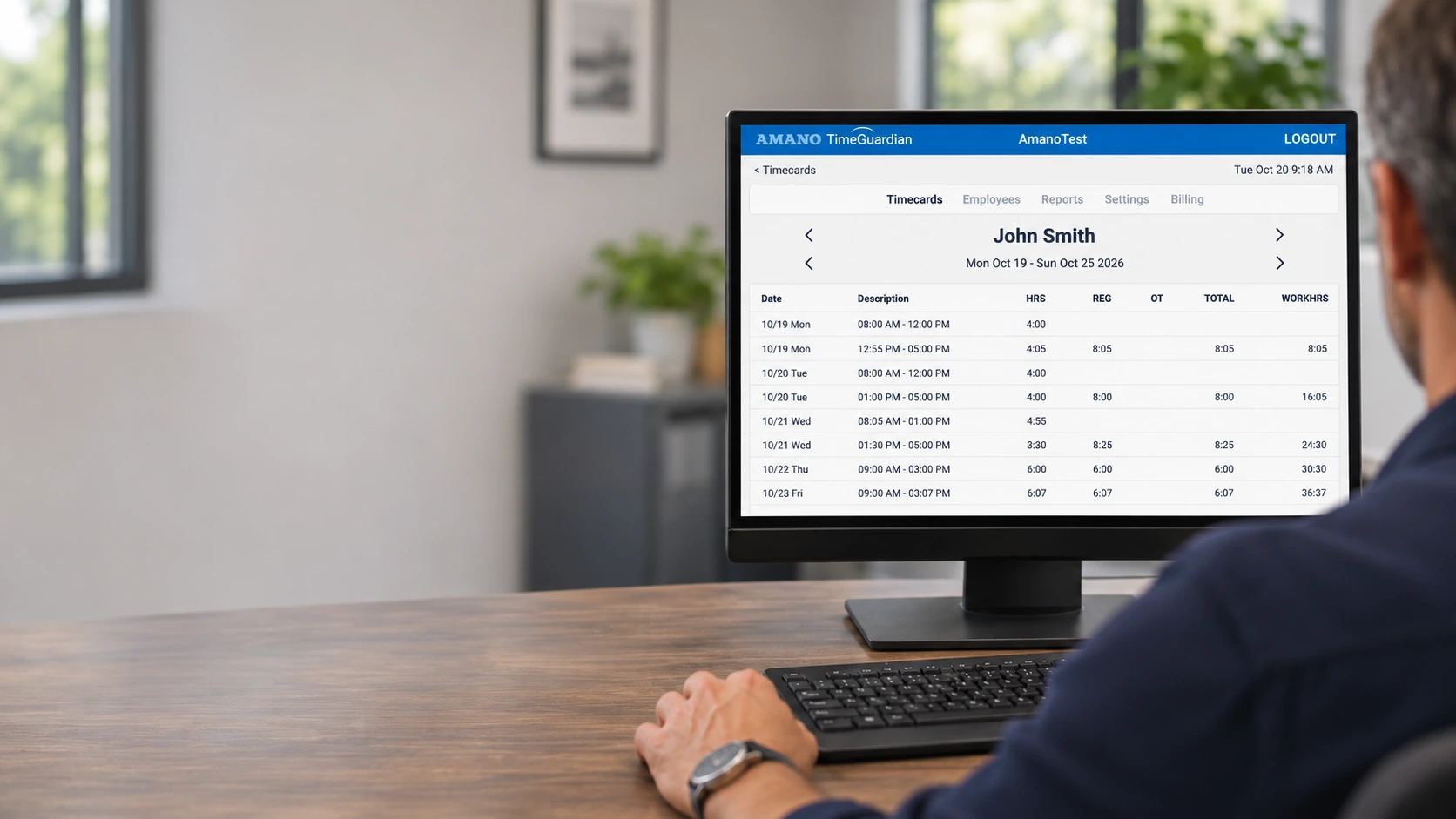
Hosted Time Guardian · Cloud time tracking
Cloud time tracking from Amano Cincinnati, in timekeeping since 1896. Review timecards, calculate overtime, and export to your payroll software.
Start free trialSee plansFrom $25/month · No contract · Cancel anytime
The clock. The cloud. One company.
The clock, the software and the support all come from Amano.
Up to 9 employees: $25 a month for your employee plan. No per-user math. Connected clocks add $5/month each.
See every team-size planMonth to month. Cancel anytime from your account.
For shops, plants, clinics and offices with hourly teams.
How it works
01 / RECORD
At a shared terminal, on a phone, or from a computer browser.
02 / REVIEW
Check punches, overtime and time off before payroll.
03 / EXPORT
Export for ADP, Paychex and more, or connect QuickBooks Online.
A clearer path to payday
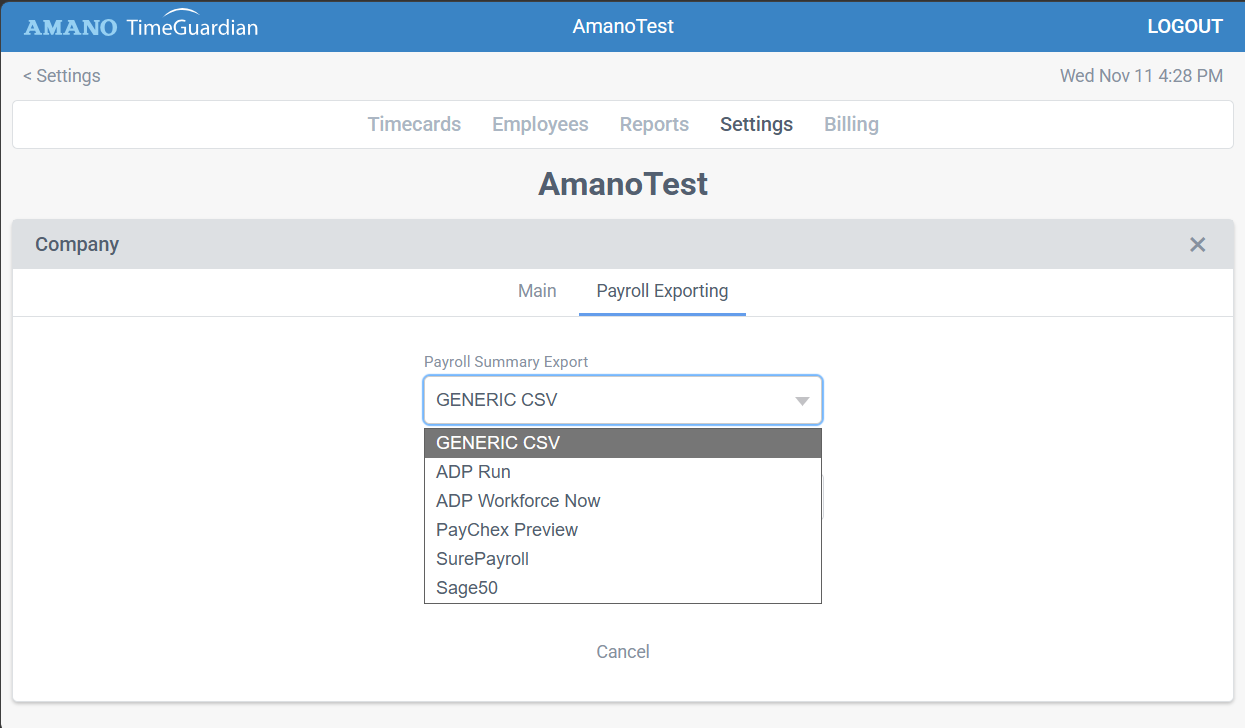
Export approved hours for ADP RUN, ADP Workforce Now, Paychex Preview, SurePayroll, Sage 50 or CSV. Connect QuickBooks Online from its dedicated integration page.
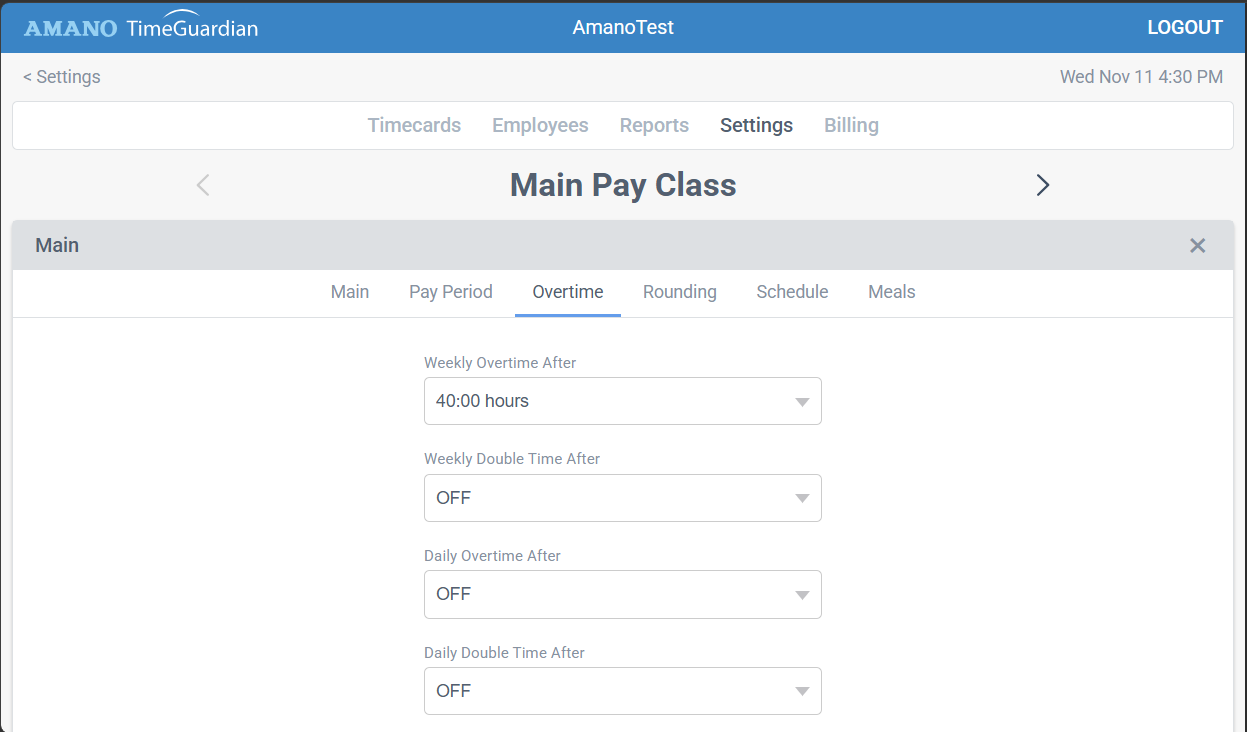
Set daily, weekly and double-time rules. Review calculated hours before payroll.
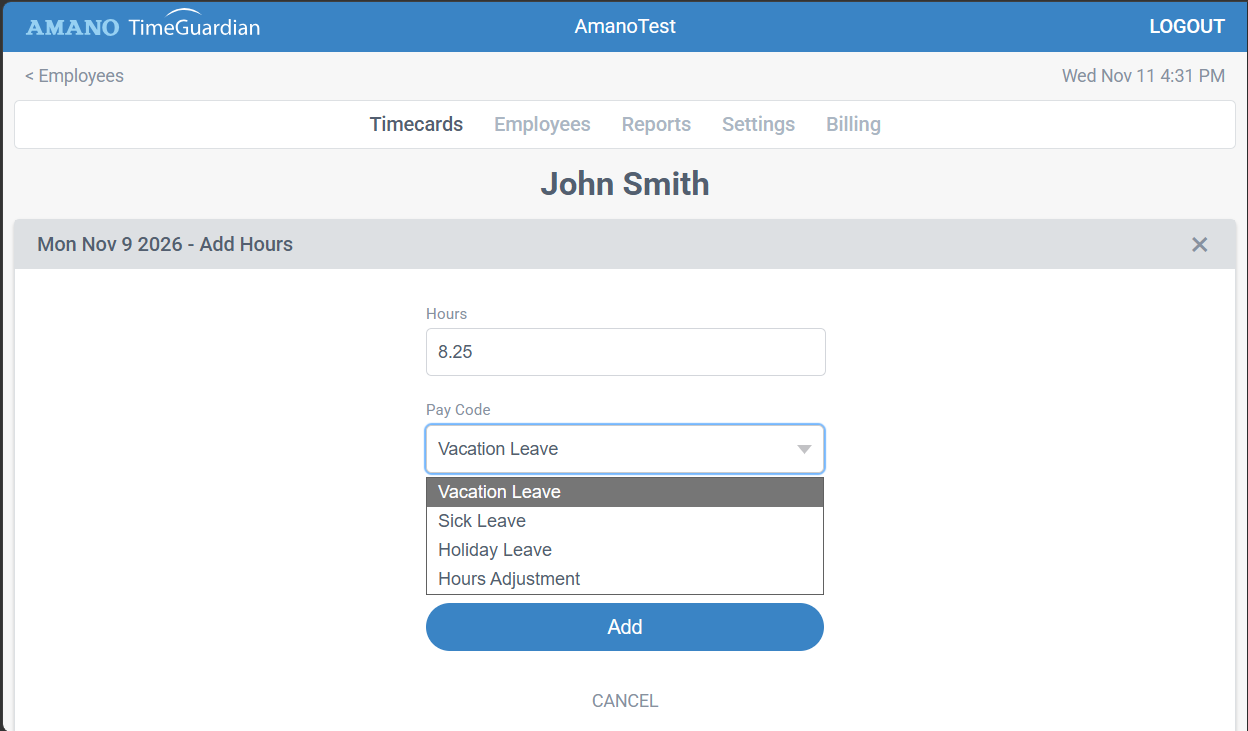
Keep vacation and sick hours alongside worked time. Review time-off requests in one place.
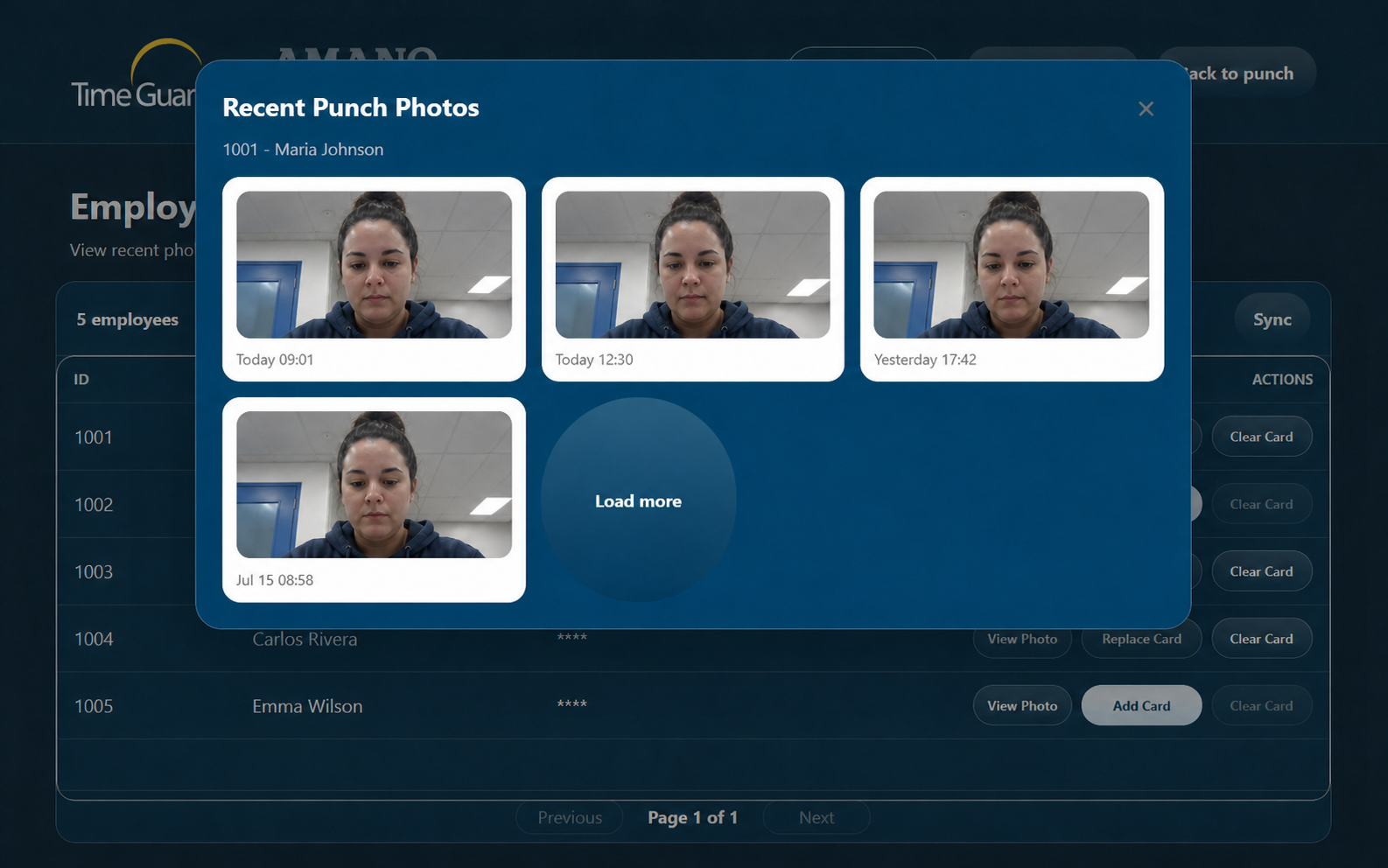
NX · Punch photos. A photo is taken at each punch. Managers can review recent punch photos at the clock.
MTX-30F & AFR-200 · Biometric verification. MTX-30F uses fingerprints; AFR-200 uses fingerprint or facial recognition. Both verify the employee at the clock to prevent buddy punching.
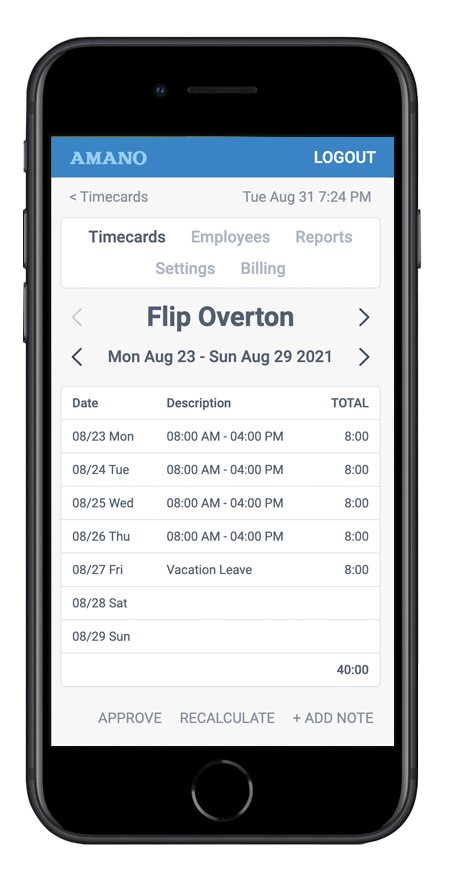
Your team’s own devices
Employees can clock in from a phone or computer, and view their own hours with employee access enabled. Nothing to install.
Mobile timecard example shown.
Take a closer look
A quick walkthrough of Hosted Time Guardian.
Choose your clocking setup
Three Amano clocks and a browser-only option. One cloud service.
Best for
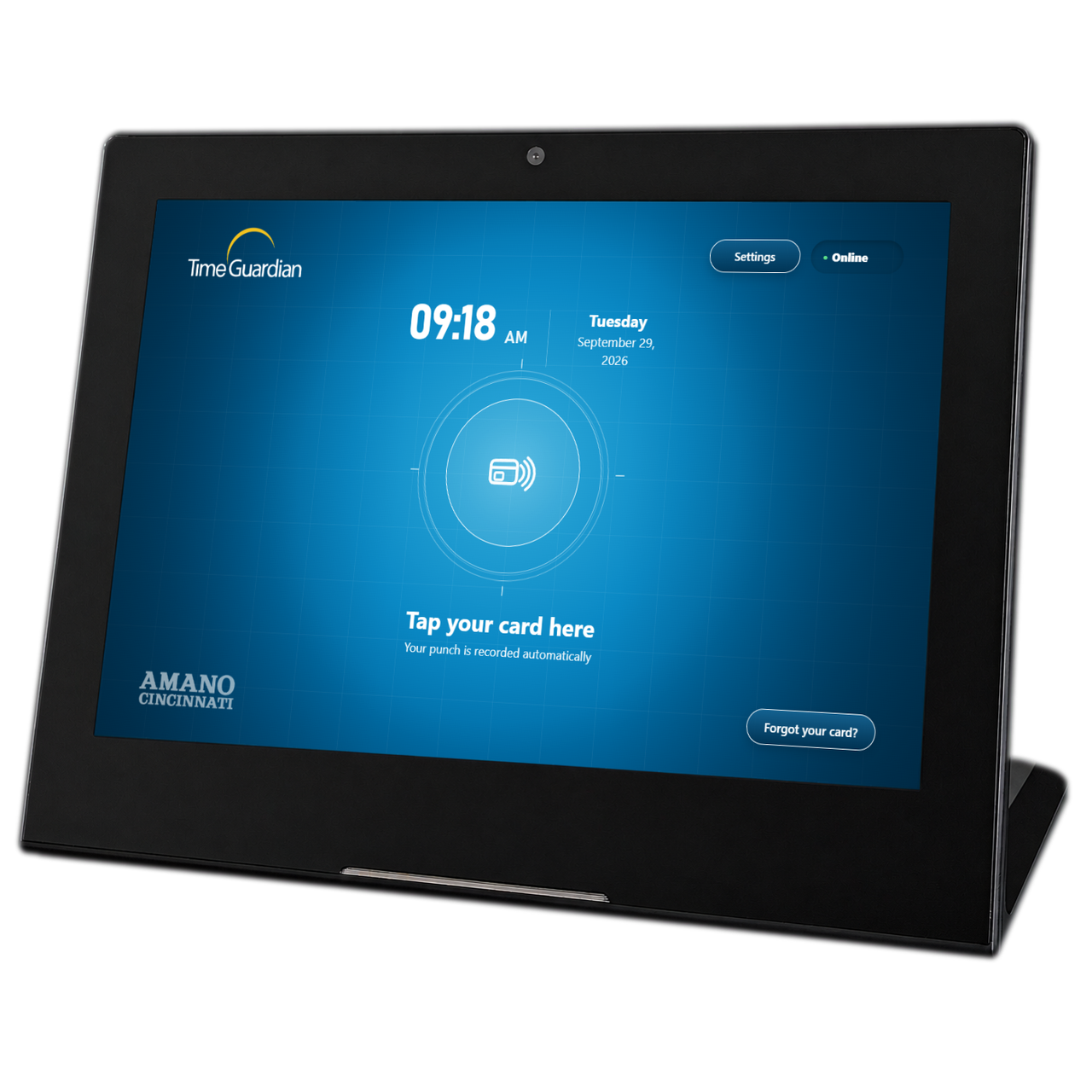
Small teams and your first clock
Contactless cards & sticker tags
$249
One-time clock purchase
+ $5/month per connected clock
Shop Time Guardian NX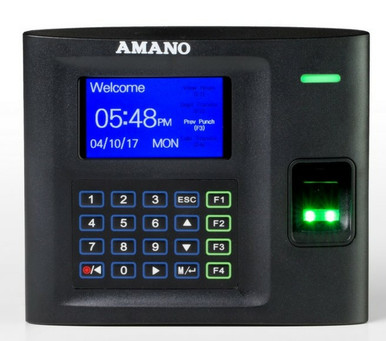
Best for
Workplaces that want fingerprint verification
Fingerprint, card or PIN
$472
One-time clock purchase
+ $5/month per connected clock
Shop MTX-30F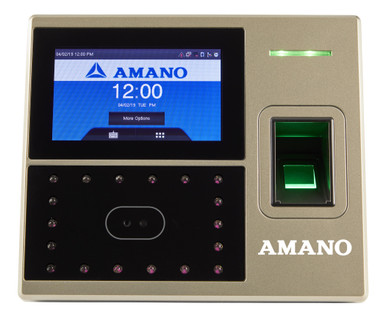
Best for
Contactless clocking and multiple verification options
Face, fingerprint, card or PIN
$660
One-time clock purchase
+ $5/month per connected clock
Shop AFR-200Best for
Teams starting with the devices they have
Clock in from any phone or computer
$0
Hardware purchase
$0 connected-clock fees
Start free trialEmployee service plans start at $25/month. Clock purchases are separate. See service plans.
From signup to your first punch
Set up your account and add employees at signup.timeguardian.app.
Start free trialHardware ships from Amano. Shop compatible clocks at amano.com.
Choose your setupOur team will walk you through it by phone, free.
1-800-896-7035 · option 3Plans from
No contract.
For 1–9 employees.
Billed month to month. Cancel anytime.
Three example setups. A clear monthly total.
1 Time Guardian NX clock
| Employee plan | $25 |
|---|---|
| Connected clocks | $5 |
| Total per month | $30 |
2 MTX-30F clocks
| Employee plan | $55 |
|---|---|
| Connected clocks | $10 |
| Total per month | $65 |
Browser only · no clock purchase
| Employee plan | $35 |
|---|---|
| Connected clocks | $0 |
| Total per month | $35 |
Illustrative monthly service costs. Clock hardware is purchased separately.
Questions, answered
No. Service is month to month. Cancel anytime from your account.
No. Clock in from a phone or computer browser with no hardware purchase or connected-clock fee. Add a compatible clock whenever you need a shared clocking point.
Export formats include ADP RUN, ADP Workforce Now, Paychex Preview, SurePayroll, Sage 50 and generic CSV. QuickBooks Online is available through a dedicated connection page.
NX includes 60 days of Hosted Time Guardian subscription service. A separate paid monthly subscription is required to continue service after the included 60 days. General software signup offers a separate 15-day trial.
Hosted Time Guardian stores data in secure offsite data centers with redundant backups. Amano manages the hosted service and backups, so you do not need to maintain a server.
Software upgrades and future product enhancements are included for the life of your active subscription.
Yes. Manage compatible connected clocks at different locations in the same account. Each connected clock adds $5/month to your employee service plan.
Yes. Employees can access their own hours online when employee access is enabled for their account.
Plans for 1–149 employees have a flat monthly price within each team-size band. For 150 or more employees, the employee service rate is $1.25 per employee per month. Connected clocks add $5/month each.
Contact Amano with your model number to confirm cloud compatibility. Hosted Time Guardian terminals are separate from Windows software packages.
Amano is here to help
Talk with Amano about your employees, clocks and payroll process. Free setup help by phone.
Talk to salesTime Guardian technical support
1-800-896-7035 · option 3
8:00 a.m.–5:00 p.m. Eastern Time